Disclosure: As an Amazon Associate, I earn from qualifying purchases. If you purchase through links on this page, I may earn a small commission at no additional cost to you.
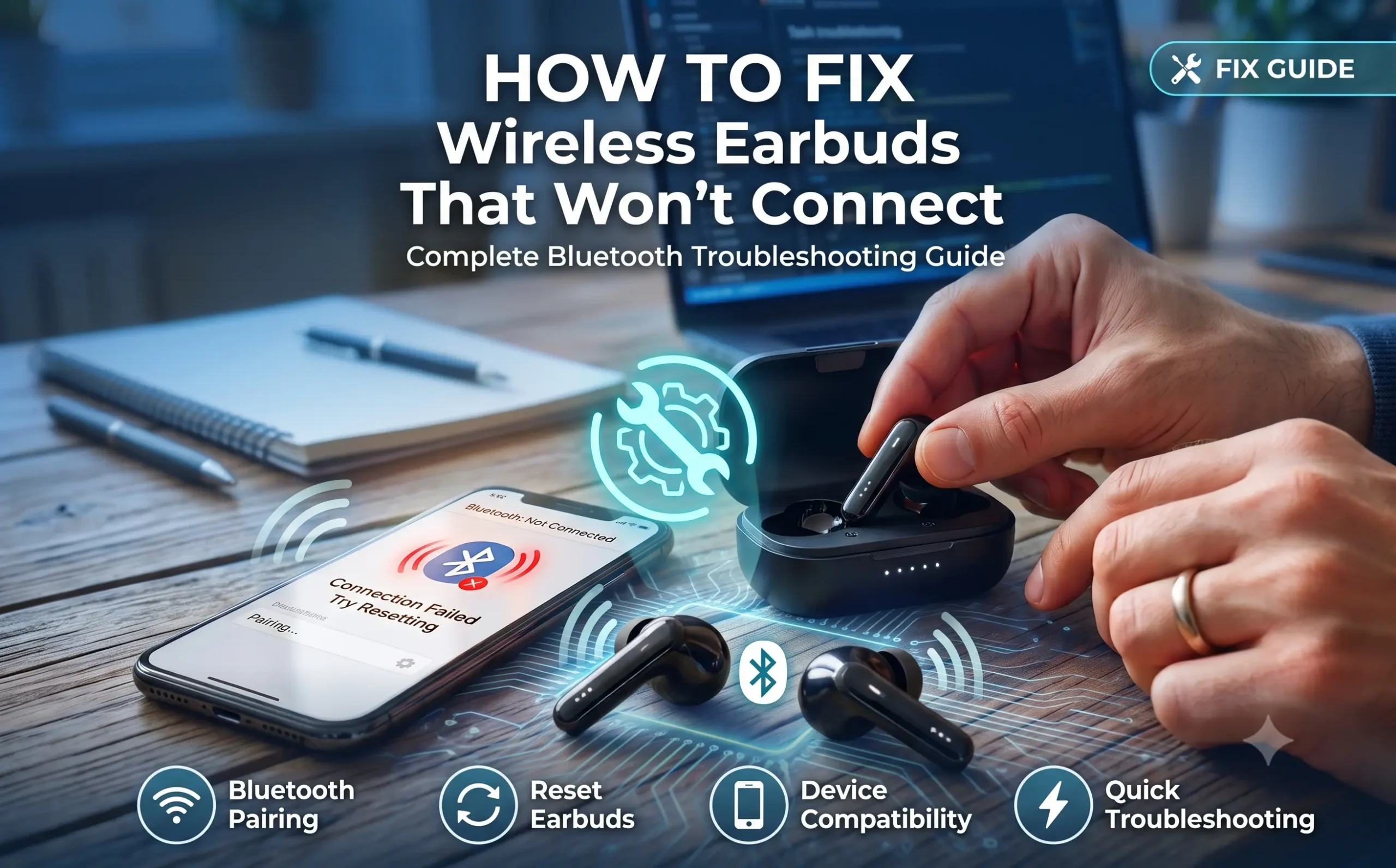
Wireless earbuds make everyday listening convenient, but connection problems can be frustrating. If your earbuds won’t pair with your phone, tablet, or laptop, don’t worry—most Bluetooth issues can be fixed in just a few minutes.
This guide walks you through the most effective troubleshooting steps before you decide to replace your earbuds.
Why Won’t My Wireless Earbuds Connect?
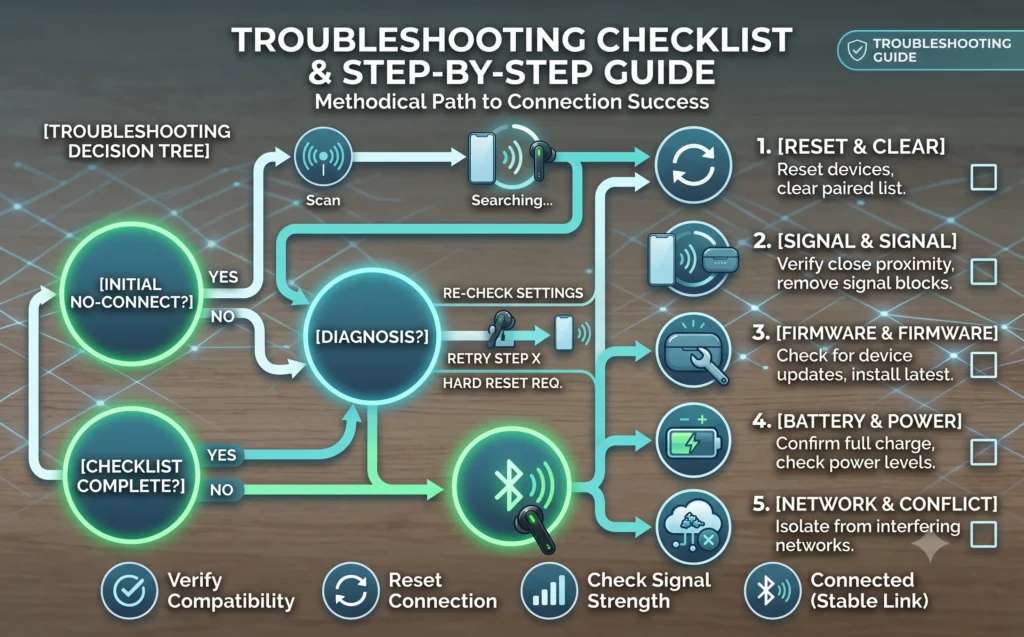
Connection problems are usually caused by one of these issues:
- Bluetooth is disabled.
- Earbuds are already connected to another device.
- Pairing mode wasn’t activated.
- Temporary software glitches.
- Low battery.
- Corrupted Bluetooth settings.
- Outdated device software.
Fortunately, most of these problems are easy to fix.
How to Fix Wireless Earbuds That Won’t Connect:
Step 1 – Check Bluetooth
Start with the basics.
- Turn Bluetooth off.
- Wait 10 seconds.
- Turn Bluetooth back on.
- Search for your earbuds again.
Sometimes simply refreshing the Bluetooth connection resolves the issue.
Step 2 – Charge Both Earbuds
Many users overlook battery level.
Place both earbuds in the charging case for at least 15–20 minutes before attempting to reconnect.
Also make sure the charging case itself has sufficient battery power.
Step 3 – Activate Pairing Mode
Every brand uses a slightly different pairing process.
Generally:
- Remove both earbuds from the case.
- Hold the touch button or physical button for several seconds.
- Wait until the LED flashes rapidly.
- Open Bluetooth settings on your device.
- Select the earbuds from the available devices list.
If you don’t see the earbuds, repeat the process.
Step 4 – Forget the Device and Pair Again
Old Bluetooth records sometimes cause pairing failures.
On your phone:
- Open Bluetooth Settings.
- Tap the connected earbuds.
- Select Forget Device.
- Restart Bluetooth.
- Pair the earbuds again.
This solves many recurring connection issues.
Step 5 – Restart Your Device
A simple restart refreshes Bluetooth services.
Restart your:
- Smartphone
- Tablet
- Laptop
- Smart TV
Then try pairing again.
Step 6 – Reset Your Wireless Earbuds
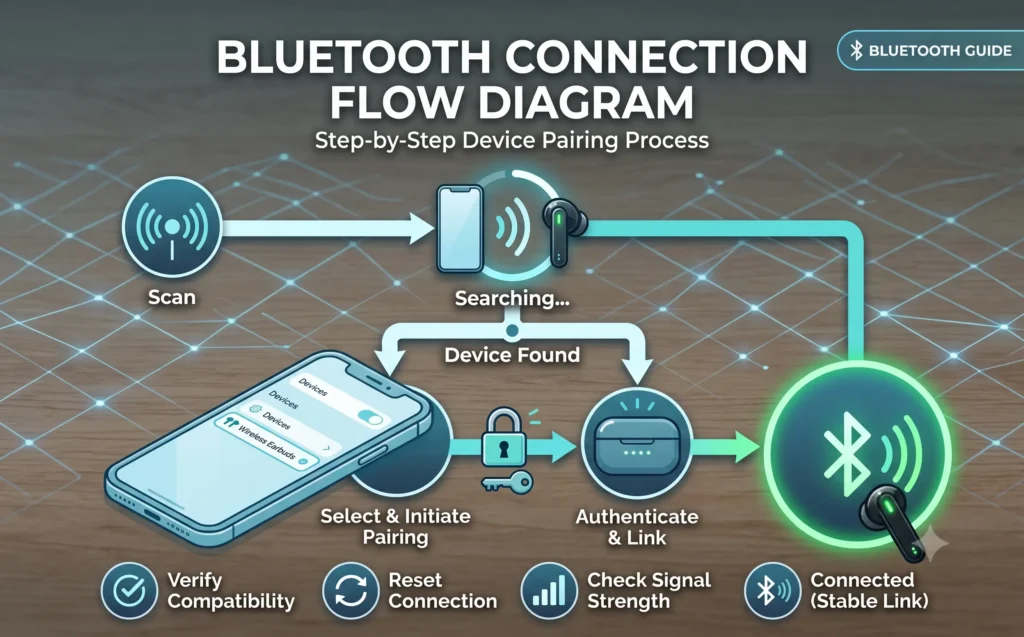
If nothing else works, perform a factory reset.
Although the exact process varies by brand, most earbuds can be reset by:
- Returning both earbuds to the charging case.
- Holding the case button (or earbud touch controls) for about 10–15 seconds.
- Waiting for the LED indicator to flash.
After resetting, pair the earbuds as if they were brand new.
Always check your manufacturer’s instructions for the exact reset method.
Step 7 – Check for Software Updates
Outdated software can cause Bluetooth compatibility issues.
Update your:
- Android phone
- iPhone (iOS)
- Windows PC
- MacBook
Many premium earbuds also receive firmware updates through their companion apps.
Step 8 – Reduce Bluetooth Interference
Wireless signals can be interrupted by nearby electronics.
Try to:
- Move away from Wi-Fi routers.
- Turn off unused Bluetooth devices.
- Stay within 10 meters (33 feet).
- Remove large obstacles between the earbuds and your device.
A cleaner signal often improves connection stability.
Learn more about Bluetooth technology:
Android Bluetooth troubleshooting.
Common Connection Problems
| Problem | Possible Solution |
|---|---|
| Earbuds not showing in Bluetooth | Enable pairing mode again |
| Only one earbud connects | Reset both earbuds |
| Keeps disconnecting | Recharge battery and reduce interference |
| Connected but no sound | Check audio output settings |
| Earbuds connect to another device | Disconnect the previous device first |
When Should You Replace Your Earbuds?
If you’ve tried every troubleshooting step and your earbuds still won’t connect, the hardware may be damaged.
Common signs include:
- One earbud never powers on.
- Charging case no longer charges.
- Physical water damage.
- Broken Bluetooth antenna.
- Extremely poor battery life.
In these situations, replacing the earbuds is often more practical than repairing them.
If you’re considering an upgrade, explore our detailed buying guides and reviews to compare the latest wireless earbuds for different budgets and needs.
Frequently Asked Questions
Why are my wireless earbuds not showing up in Bluetooth?
They may not be in pairing mode, have a low battery, or still be connected to another device.
Why does only one earbud connect?
Reset both earbuds and reconnect them. In many cases, the earbuds simply need to resynchronize.
Can Bluetooth interference affect connection?
Yes. Wi-Fi routers, smart devices, and other Bluetooth accessories can weaken or interrupt the connection.
Does resetting earbuds delete saved devices?
Yes. A factory reset usually removes all previous Bluetooth pairings.
Should I replace my earbuds if they won’t connect?
Only after trying all troubleshooting steps. If hardware failure is the cause, replacement is often the best solution.
Final Thoughts
Most wireless earbud connection issues can be resolved by checking Bluetooth settings, charging the earbuds, resetting the device, or pairing again. Following these troubleshooting steps can save time and help you avoid replacing perfectly functional earbuds.
If your earbuds continue to have problems after trying every solution, it may be time to upgrade to a newer model with improved Bluetooth stability, longer battery life, and better overall performance.
You can check our other reviews also:
Best Wireless Earbuds Under $50 (2026)
Best Wireless Earbuds for Running (2026)
Best Bluetooth Earbuds with Long Battery Life (2026)
Recommended Wireless Earbuds
If your current earbuds still won’t connect after trying every troubleshooting step, upgrading to a newer model may be the best solution. Here are four wireless earbuds we’ve reviewed that offer reliable Bluetooth connectivity, long battery life, and excellent everyday performance.
PocBuds Wireless Earbuds Review (2026)