Disclosure: As an Amazon Associate, I earn from qualifying purchases. If you purchase through links on this page, I may earn a small commission at no additional cost to you.
Increase Wireless Earbud Battery Life: One of the biggest complaints about wireless earbuds is short battery life. Over time, many users notice their earbuds don’t last as long as they used to. Fortunately, a few simple habits can significantly improve both daily playtime and long-term battery health.
This guide explains practical ways to get more listening time from your wireless earbuds while helping the battery last longer over months and years.
Increase Wireless Earbud Battery Life: Why Earbud Batteries Wear Out
Most wireless earbuds use rechargeable lithium-ion batteries. These batteries naturally lose capacity over time, but proper charging and usage habits can slow the aging process.
Common causes of faster battery wear include:
- Frequent full discharges
- Overheating
- Constant maximum volume
- Poor charging habits
- Using low-quality chargers
1. Keep the Volume at Moderate Levels
Playing music at maximum volume not only affects your hearing but also drains the battery faster.
A volume level around 60–80% provides a good balance between sound quality and battery life.
2. Store Earbuds in Their Charging Case
When you’re not using your earbuds, place them back in the charging case.
This helps:
- Prevent unnecessary battery drain
- Protect against dust
- Reduce accidental damage
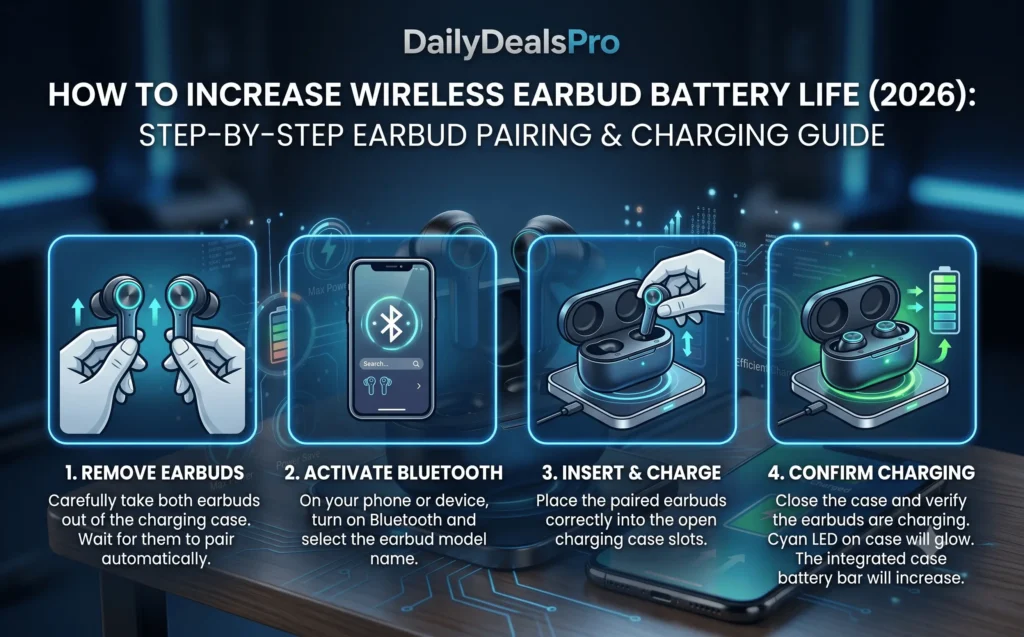
3. Avoid Complete Battery Drain
Lithium-ion batteries last longer when they aren’t regularly discharged to 0%.
Recharge your earbuds when they reach around 20–30% battery.
4. Don’t Leave Them Charging for Days
Modern earbuds usually stop charging automatically, but leaving them plugged in continuously for several days isn’t ideal.
Disconnect the charger after reaching full charge whenever possible.
5. Keep Firmware Updated
Manufacturers often release firmware updates that improve battery management and overall performance.
Check your manufacturer’s companion app occasionally for updates.
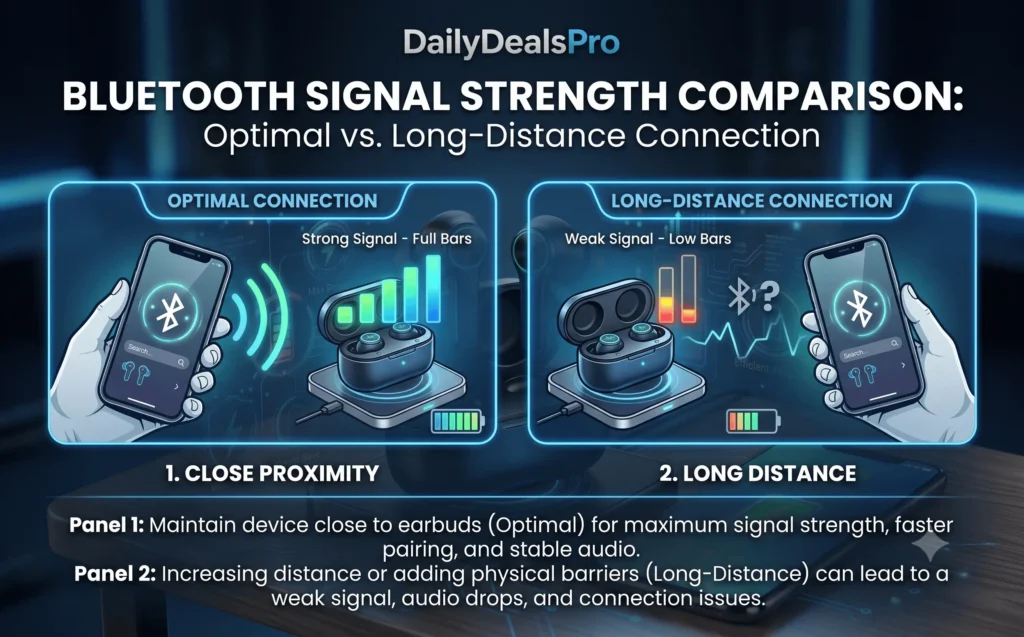
6. Keep Bluetooth Range Short
A weak Bluetooth signal forces earbuds to work harder.
For the best battery life:
- Keep your phone nearby.
- Avoid walls and obstacles.
- Reduce wireless interference.
7. Avoid Extreme Temperatures
Heat is one of the biggest enemies of lithium-ion batteries.
Avoid leaving earbuds:
- Inside hot cars
- In direct sunlight
- Near heaters
Cold temperatures can also temporarily reduce battery performance.
8. Clean Charging Contacts Regularly
Dirty charging pins may prevent your earbuds from charging properly.
Use:
- Soft cotton swab
- Microfiber cloth
Never use excessive liquid.
9. Use a Quality Charger
Cheap chargers may deliver unstable voltage.
Whenever possible:
- Use the original charging cable.
- Use a reputable USB charger.
10. Disable Features You Don’t Need
Some earbuds offer features like:
- Active Noise Cancellation (ANC)
- Transparency Mode
- Voice assistants
Turning these off when unnecessary can noticeably extend playtime.
11. Charge Before Long Trips
Before traveling:
- Fully charge the earbuds.
- Fully charge the case.
A fully charged charging case often provides several additional full charges.
12. Replace Old Earbuds When Necessary
All rechargeable batteries eventually wear out.
If your earbuds only last a short time despite following these tips, replacing them may be more practical than continuing to troubleshoot.
Recommended Wireless Earbuds on Amazon
If you’re ready for an upgrade, explore these detailed products on Amazon:
- Btootos Bluetooth 5.4 Earbuds – Affordable earbuds with Bluetooth 5.4, ENC calling, and reliable battery life.
- PocBuds Wireless Earbuds – Sports earbuds offering up to 80 hours of total playtime with the charging case.
- bmani Ear Buds Wireless Earbuds – Comfortable sports earbuds designed for long listening sessions.
Frequently Asked Questions
Does high volume reduce battery life?
Yes. Higher volume levels require more power and can shorten listening time.
Is it bad to leave earbuds charging overnight?
Occasionally is generally fine for modern earbuds, but leaving them connected for several days is not recommended.
How long do wireless earbud batteries last?
Most lithium-ion batteries maintain good performance for approximately 2–4 years, depending on usage and charging habits.
Does Active Noise Cancellation reduce battery life?
Yes. ANC uses additional power and typically shortens playtime compared to normal listening mode.
For further assistance you can review these articles:
How to Clean Wireless Earbuds Safely Without Damaging Them (2026)
How to Fix Wireless Earbuds That Won’t Connect (2026): Complete Troubleshooting Guide
Btootos Bluetooth 5.4 Earbuds Review (2026)
PocBuds Wireless Earbuds Review (2026)
bmani Ear Buds Wireless Earbuds Review (2026)
Best Wireless Earbuds Under $50 (2026): Top Budget Picks Compared